
Satellite Radio Support Made Simple
Welcome to XM SATELLITE RADIO Support, your online destination for general information, helpful guidance, and educational resources related to satellite radio listening.
Satellite radio offers an exciting way to enjoy audio entertainment, music, talk programs, news, sports discussions, and other listening content through compatible radio equipment and subscription-based services. However, getting started or resolving a technical concern can sometimes feel confusing.
Our website is designed to make common satellite radio topics easier to understand. Whether you are learning about radio setup, exploring activation information, reviewing subscription-related topics, or looking for general troubleshooting guidance, we aim to provide clear and organized information.
We believe that helpful information should be easy to find and simple to follow. Explore our website to learn more about satellite radio and discover guidance that may help you understand your listening equipment and service.
Welcome to XM SATELLITE RADIO Support
At XM SATELLITE RADIO Support, we understand that visitors may have different questions depending on their equipment, experience, and listening needs.
Some visitors may be preparing a radio device for the first time. Others may already have a working system but need information about reception, settings, subscription details, or common technical issues.
Our website brings together general information about these topics in one convenient place. We focus on explaining common processes in straightforward language and organizing information so visitors can find relevant guidance without unnecessary confusion.
We aim to help visitors understand the basics of satellite radio, become familiar with common equipment features, and learn what steps may be appropriate when a question arises.
Our content is informational and educational. We do not access private customer accounts, activate subscriptions, process payments, or make service changes. For account-specific matters, visitors should contact the provider responsible for their service.
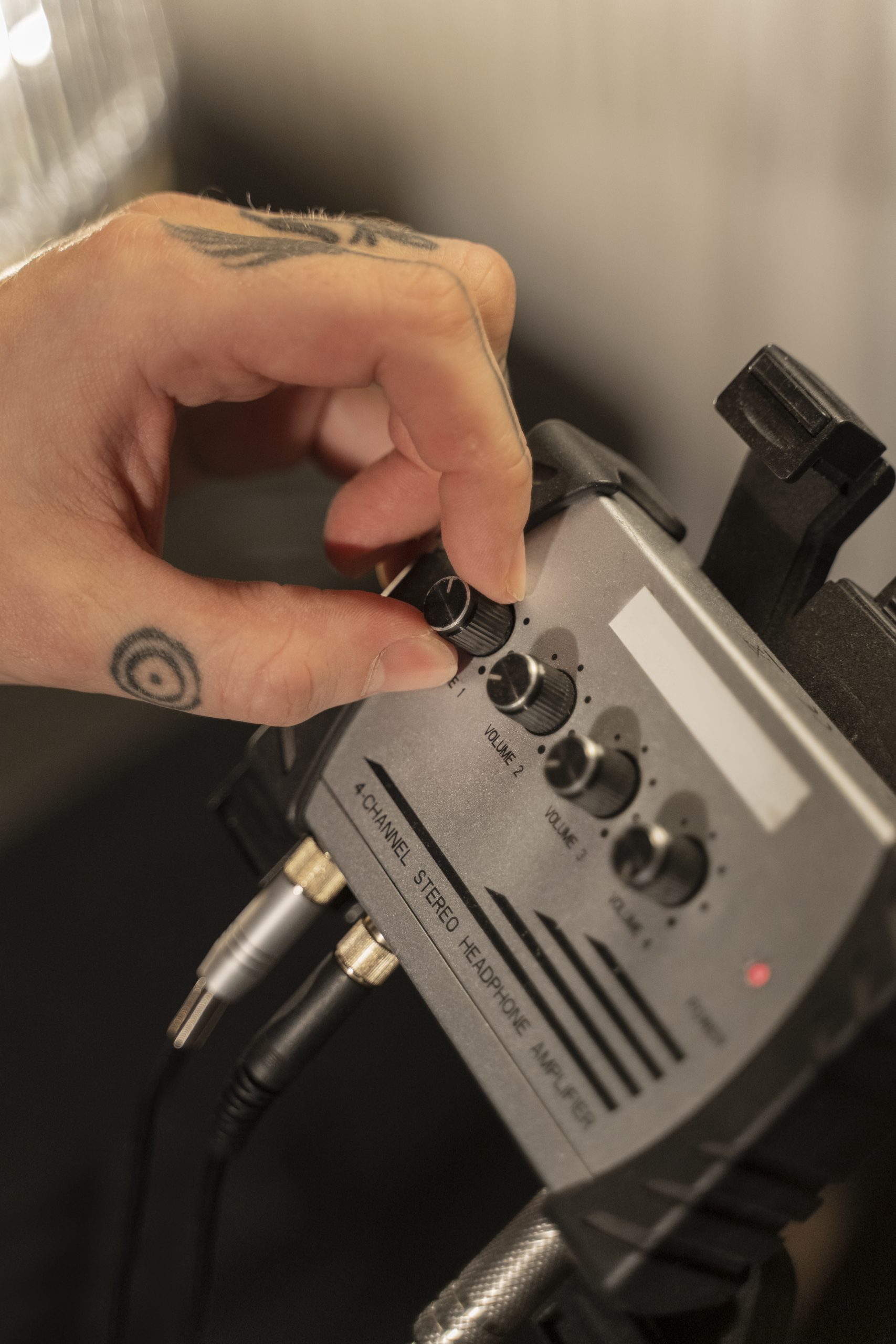
Activation and Service Information
Satellite radio services may require activation before a compatible radio can receive subscribed content. The activation process generally involves identifying the equipment and completing the required service-related steps.
Our website provides general educational information to help visitors understand what activation means and why it may be necessary.
Visitors can learn about common activation considerations, such as preparing the radio, locating relevant equipment information, reviewing service requirements, and understanding the importance of confirming that the device is ready to receive service.
Activation procedures and requirements may differ depending on the service and equipment. We therefore encourage visitors to follow the instructions provided by their actual service provider.
XM SATELLITE RADIO Support does not perform activation or access activation systems. Our purpose is to explain general processes and help visitors understand where service-specific assistance may be required.
Satellite Radio Setup and Installation Information
Setting up a satellite radio system may involve preparing compatible equipment, reviewing installation instructions, checking connections, and selecting an appropriate location for the radio or antenna.
The setup process can vary depending on the type of equipment and the environment in which it is used. A home listening system, vehicle installation, or portable radio may have different requirements.
Our setup information helps visitors understand common preparation steps, including:
Reviewing the equipment instructions before beginning.
Checking that the required components are available.
Understanding basic power and connection requirements.
Learning about suitable antenna placement.
Becoming familiar with available device settings.
Identifying common installation considerations.
Subscription and Account Guidance
Satellite radio subscriptions may include different listening options, service periods, account settings, and renewal arrangements. Understanding these details can help listeners make informed decisions about their service.
Our website offers general information about subscription-related topics, including:
Understanding subscription plans and listening options.
Learning about account information and service records.
Becoming familiar with renewal and cancellation concepts.
Understanding how subscription status may affect listening.
Reviewing general account management considerations.
Subscription details are determined by the service provider and the specific account. We cannot view private account information, change subscription plans, update payment details, or manage billing.
For accurate account information or to complete a subscription-related request, visitors should use the appropriate official account or customer service channel for their service.
Signal, Reception, and Listening Experience
A satellite radio listening experience may be affected by the location of the equipment, antenna placement, surrounding structures, environmental conditions, and device settings.
Reception concerns can sometimes appear as interrupted audio, weak signal, temporary loss of sound, or difficulty receiving certain content.
Our informational resources explain common reception considerations and basic checks that may help visitors understand a listening issue.
Topics include:
Understanding the role of antenna placement.
Learning about possible signal obstructions.
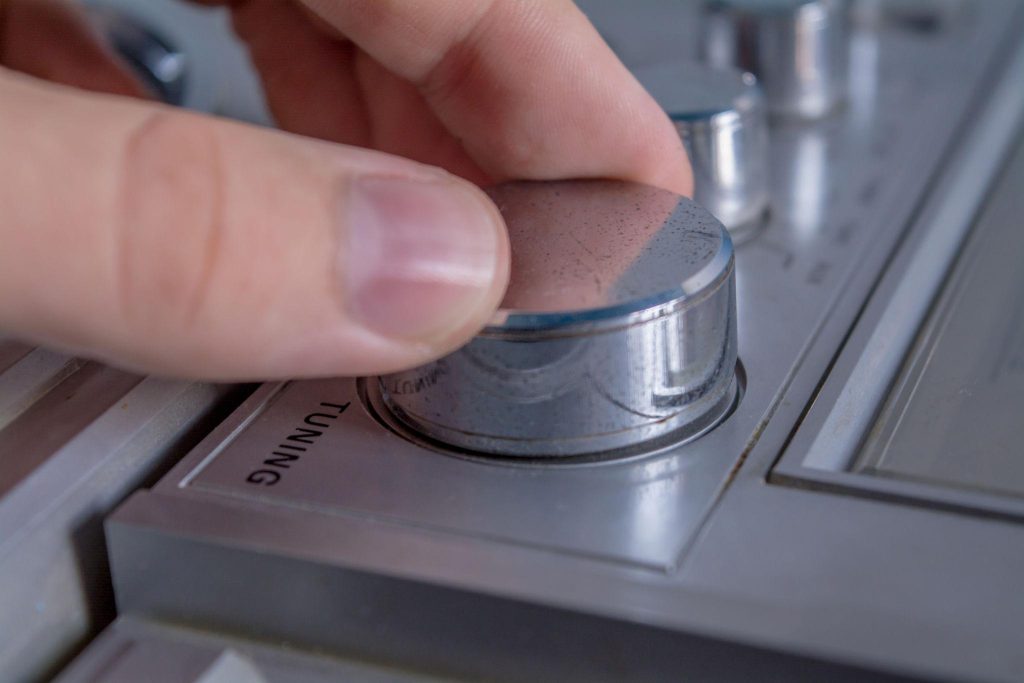
Reviewing basic radio settings.
Recognizing temporary reception interruptions.
Checking equipment connections where appropriate.
Understanding when further technical assistance may be necessary.
Reception conditions can vary from one location to another. We encourage visitors to consult their equipment instructions and service provider when a reception concern continues.
Can't find your Radio ID? Need help with billing, subscriptions, activation, renewals, signal issues, account access, radio transfers, or any other SiriusXM-related questions?
(844) 799-2226